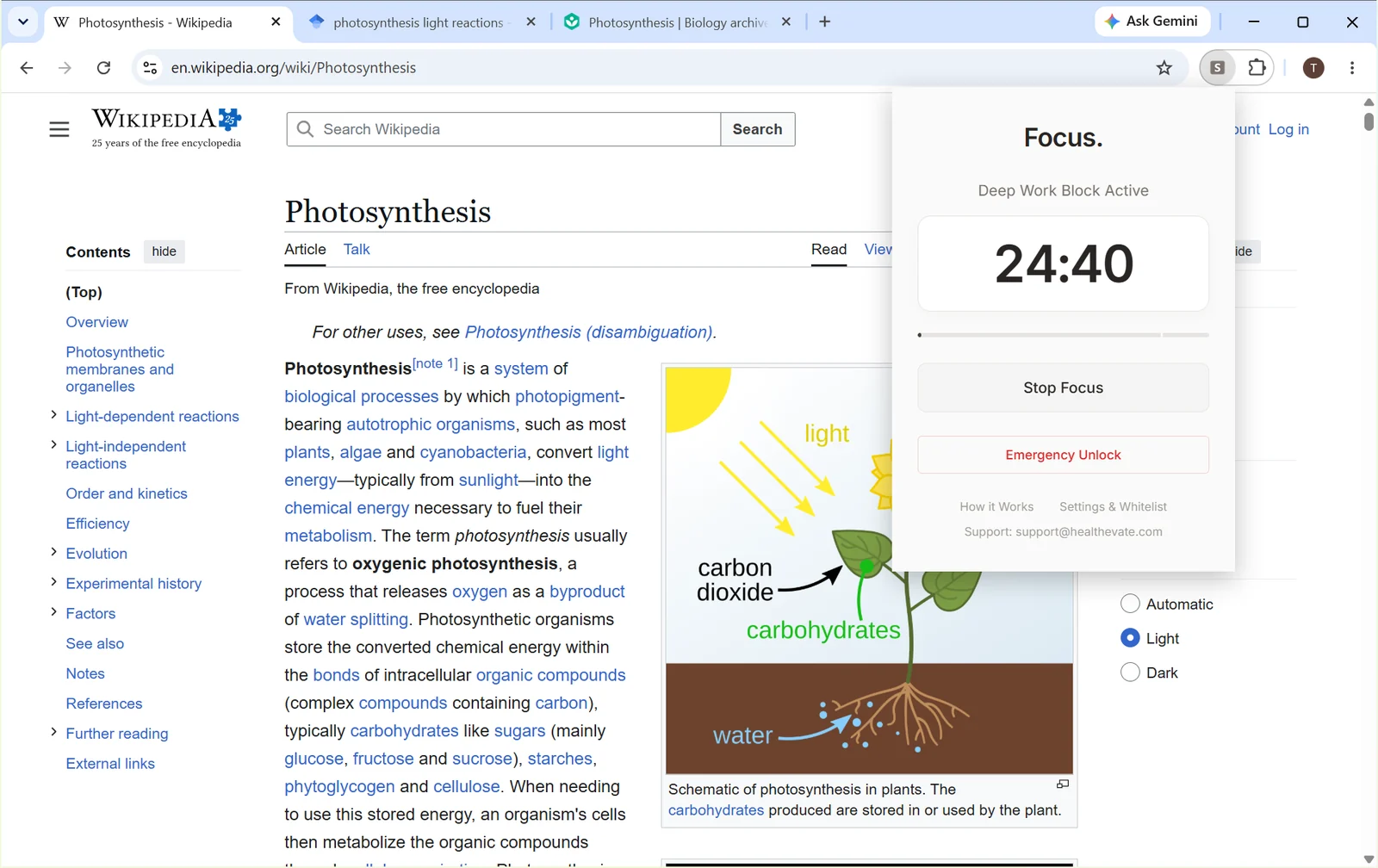
A website blocker and Pomodoro timer built on one idea: friction beats willpower. Start a session and every tab that isn’t on your whitelist closes — not just blocked, closed — until your time is up. Free forever. Pro dials in the friction.
Works on Chrome & Edge · Free forever · No tracking, ever
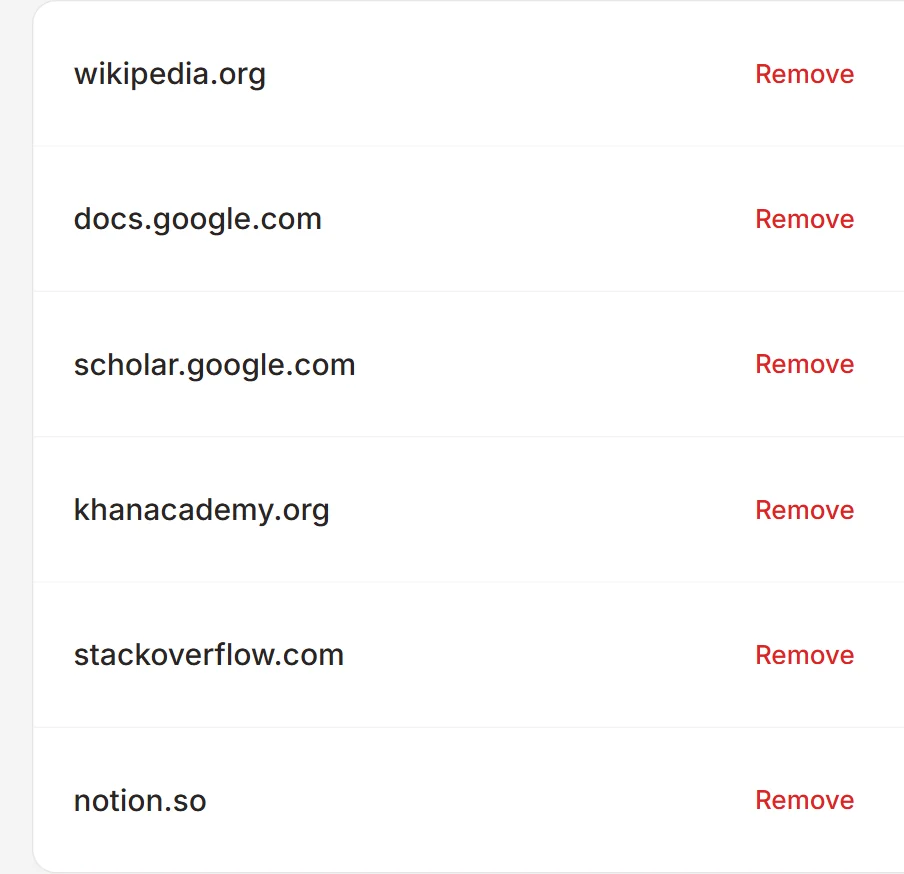
Before you startSet your whitelist onceThe handful of sites you actually need. Everything else will close.
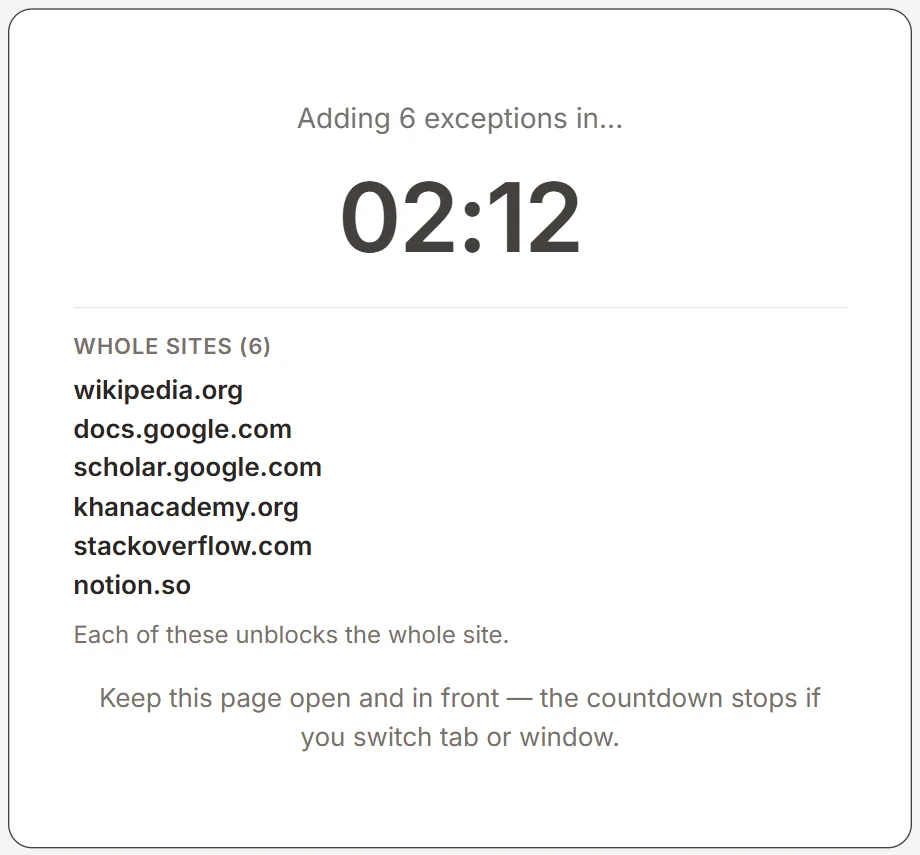
Before you startEvery site you add waits 2½ minutesYour first go can add several at once, on one countdown.
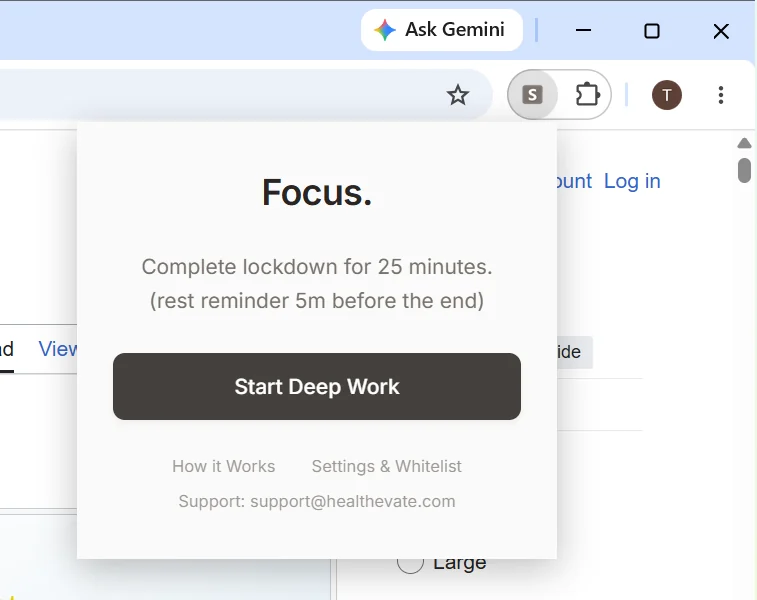
Before you startPress Start Deep WorkOne click from the toolbar. 25 minutes by default.
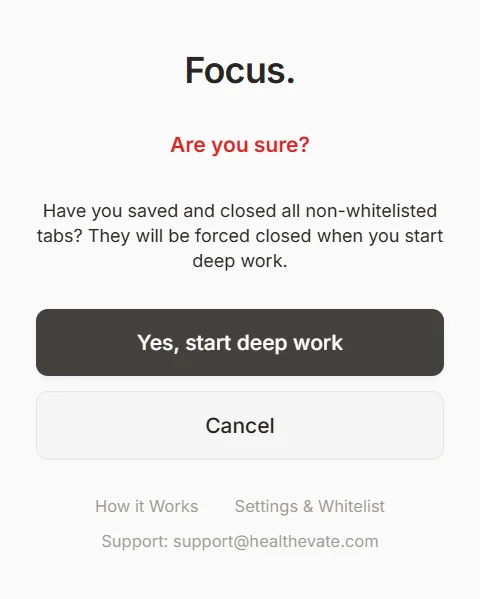
Before you startSave anything you need firstThe first time, it checks: every tab not on your whitelist is about to close.
During the blockTwelve tabs become threeOnly your whitelist survives, and nothing else can open until the block ends.
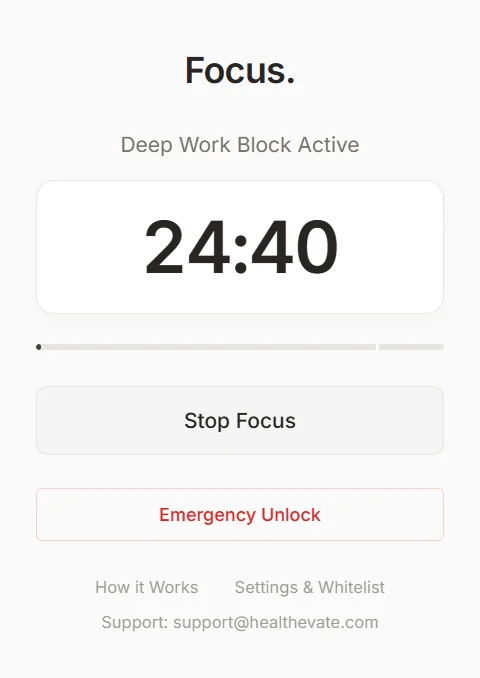
During the blockThe block runsA calm countdown. No pause button unless you turn one on.
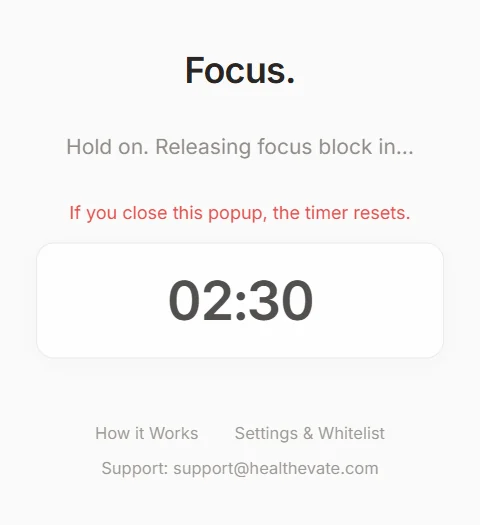
During the blockWant out? Wait 2½ minutesClose the popup and the wait starts again.
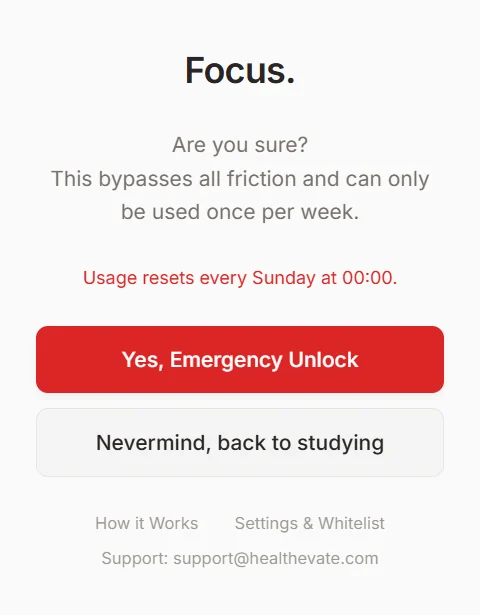
During the blockOne emergency unlock a weekFor real emergencies. It resets every Sunday.
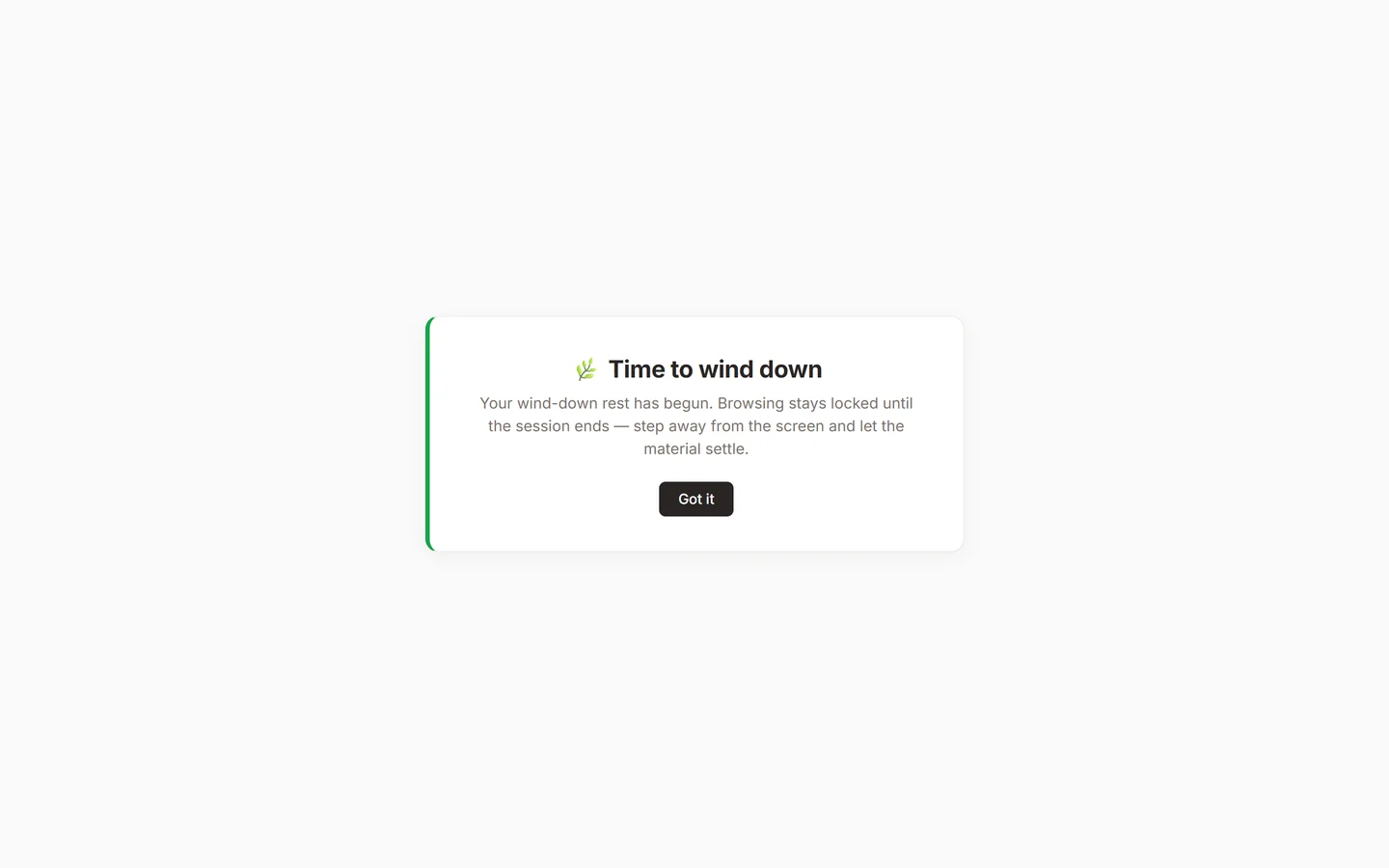
During the blockThe last five minutes wind downBrowsing stays locked. Step away and let it settle.
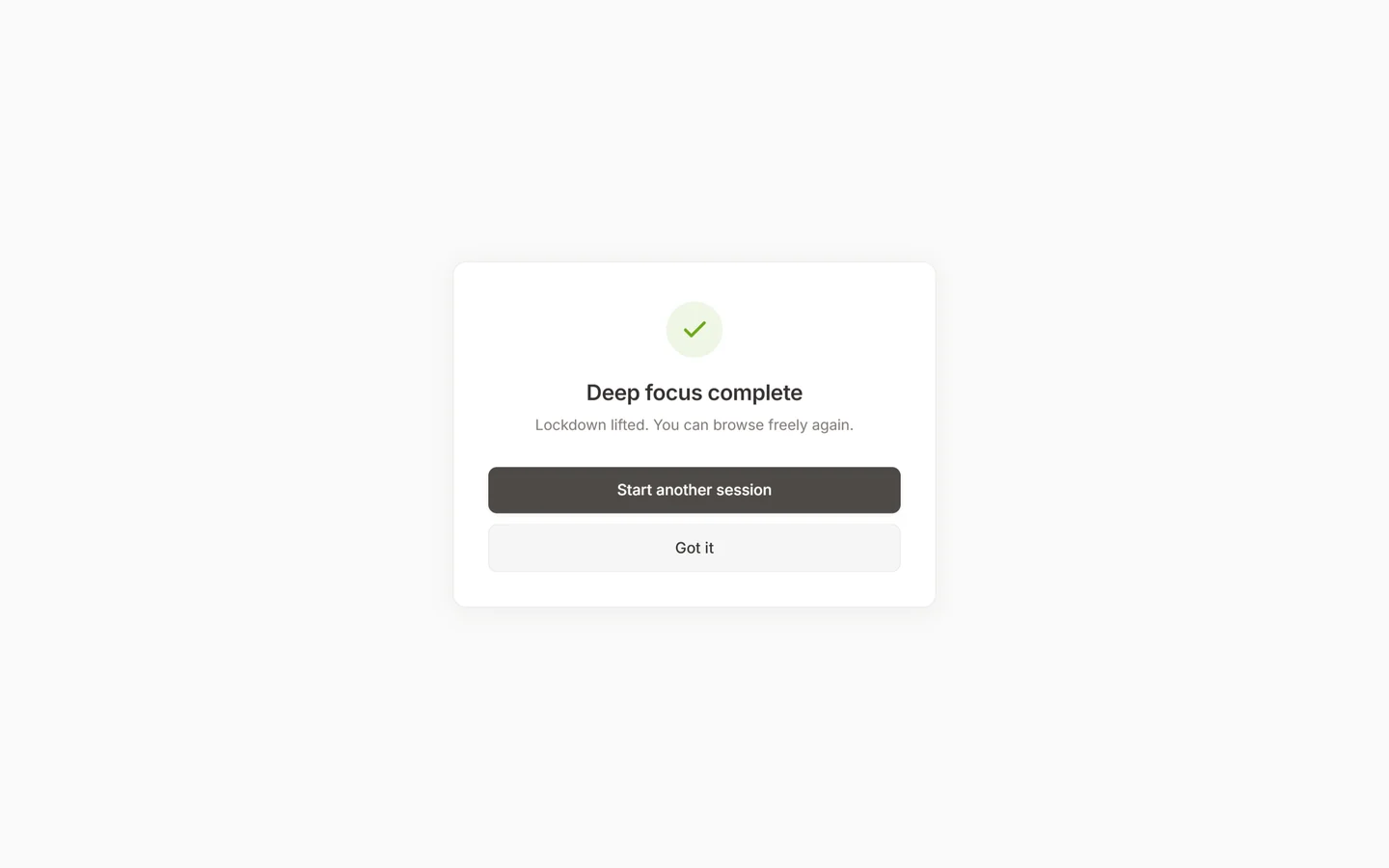
AfterDeep focus completeThe lockdown lifts. Start another, or take a break.
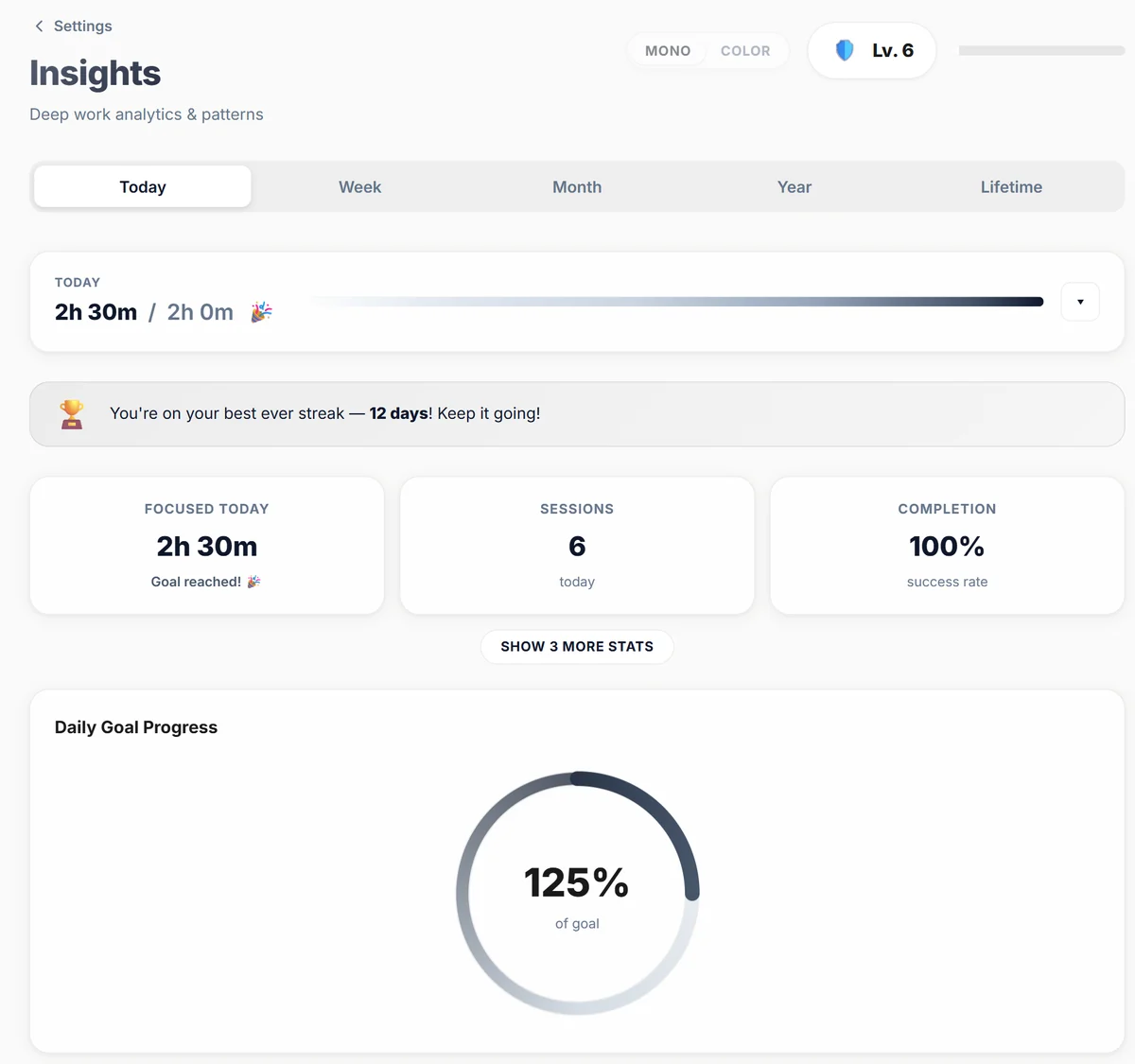
AfterYour day at a glanceTime focused against your daily goal, and your streak.
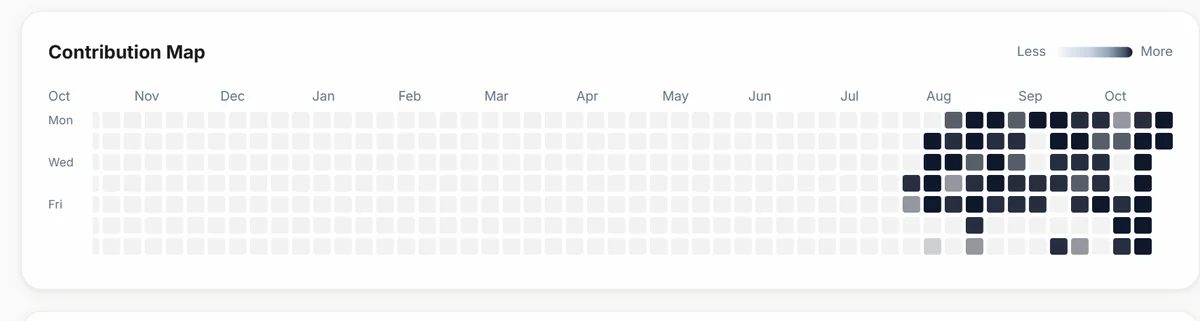
AfterYour year, filling inEvery focused day lands on the map.
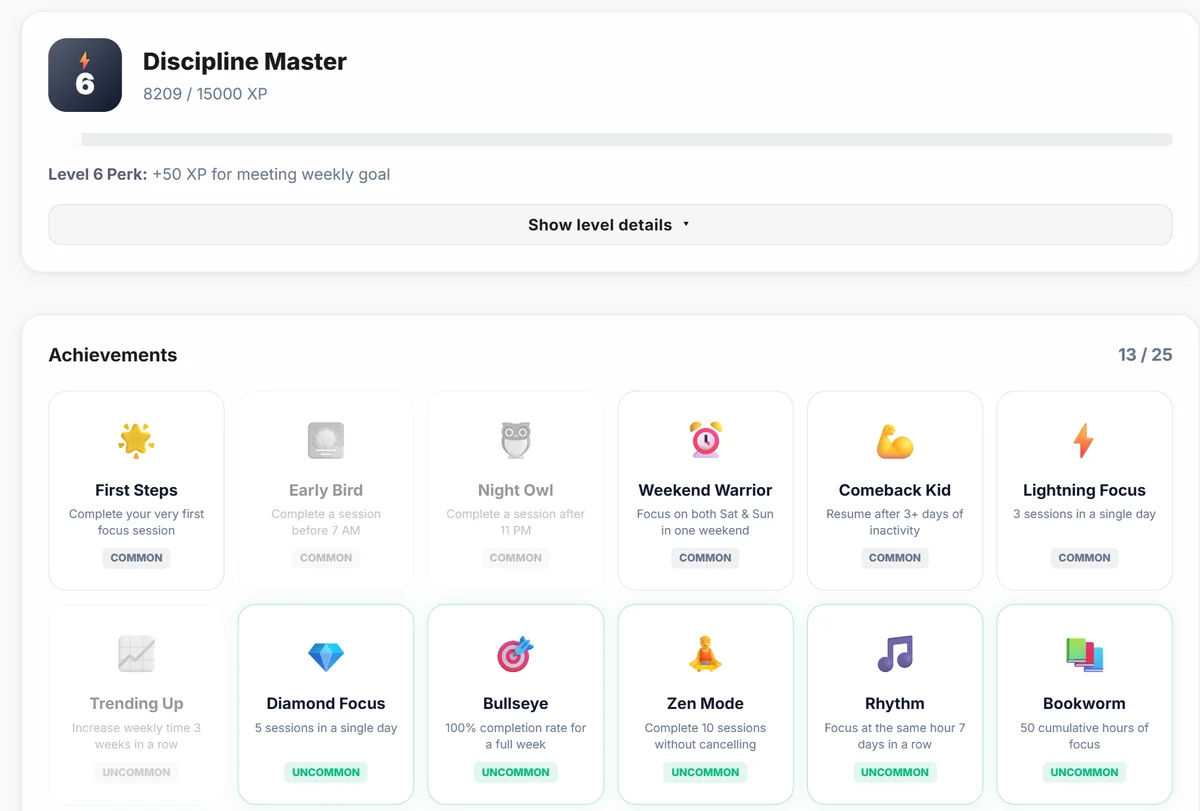
AfterLevels and achievementsTen levels, from Beginner to Transcendent, and 25 achievements.
01 / 13
Force-closes every tab that isn’t on your whitelist.
And keeps them closed: quitting early means a 2½-minute wait.
BeforeA dozen tabs open
AfterDown to what matters: only your whitelist
Stop early? That’s a 2½-minute wait
Whitelist what you need. Everything else closes.
Press start
Why it needs access to every site
To close any tab you haven't whitelisted, wherever it opens.
But your browsing is never collected, logged or sent anywhere.
Only these stay open.
Every other site closes until the block ends.
Free · no account needed
A 2½-minute friction timer stands between you and quitting.
Close the popup and the wait starts again.
Why it makes you wait
So breaking focus is a choice, not a reflex.
If you genuinely need to stop, the wait costs you nothing. If it's just a craving, it fades before the timer ends.
Adding a site mid-session waits 2½ minutes too.
One emergency unlock a week for real emergencies — and Unstoppable Mode, Strict Whitelisting and a blocked extensions page when you want it even harder to quit.
Watch your focus add up.
Streaks, levels and daily totals that keep you coming back.
Free forever
Pro if you want extra control
Free, forever
Whitelist-only blocking
Focus timer with a wind-down
Scheduled sessions
One emergency unlock a week
Unstoppable Mode & Strict Whitelisting
Block the extensions page
Enforce Incognito Mode
Insights, streaks, levels & achievements
Backup & Restore
You’ll never need Pro.
Available if you want it.
£1.99 one-time only
What Pro adds
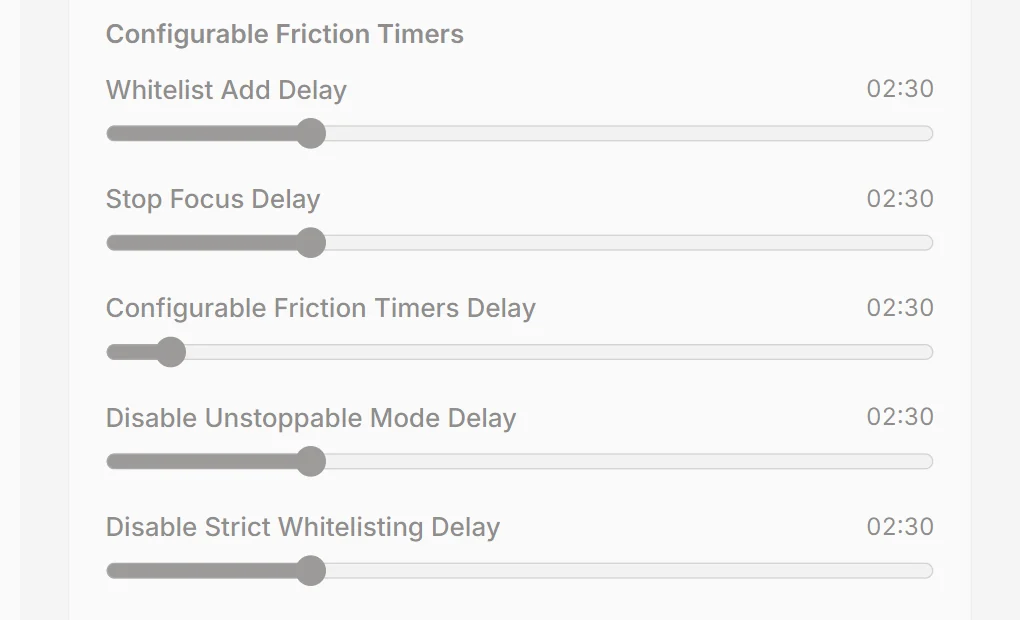
Pro lets you change each one
Set every friction timer, from 10 seconds to 10 minutes
Whitelist workspacesGreyscale during sessions
Free
The full focus engine — whitelist-only sessions, the friction, schedules, Insights, XP, levels and achievements — free forever, no account needed.
PRO
Make Deep Focus fit you.
£1.99
once. No subscription.
Everything in the free version stays free, forever. Pro is for people who want to fine-tune it:
Stricter or gentler waitsSet the wait before a whitelist addition, Stop Focus and every other change that loosens a session, from 10 seconds to 10 minutes.
Your number of emergency unlocksChoose how many you get each week, from a strict zero to a forgiving ten, instead of the free one.
Whitelist WorkspacesKeep separate sets of allowed sites for different kinds of work, and swap your whole whitelist in one click before you start.
Greyscale during sessionsEven your whitelisted sites turn grey until the session ends, so nothing on screen competes for your attention.
Session alerts your wayChoose how you’re told a session is winding down or over: an icon change, a chime, or a full wind-down page. Browsing stays locked throughout.
Add time mid-session+1m and +5m buttons in the popup extend a running session. Time can only be added, never taken off.
Block backups during a sessionStops Export Backup while a session runs, so exporting, reinstalling and importing can’t become the way out.
Coloured Insights themeInsights are monochrome by default; Pro switches them to full colour.
Most people never need Pro, so it's up to you. If you do get it, it helps me keep Deep Focus free and improving.
Ben
Not for you? Email [email protected] within 14 days of buying it for a full refund, no questions asked.
You’ll receive a licence key by email. Paste it into the extension or use the one-click sign-in activation in its Settings.
Every Healthevate product page tells you where the product falls short — because a tool you trust is one whose limits you know.
It can’t block your phone
Deep Focus lives in Chrome and Edge on your computer. If your weak spot is picking up your phone, pair a session with leaving it in another room.
It only covers the browser it’s installed in
Desktop apps, games and other browsers aren’t affected. Turn on Enforce Incognito Mode and it covers private windows too.
Removing it always works — and costs you everything
No extension can stop its own removal; browsers guarantee that. Deep Focus makes breaking focus slow and deliberate, and removing it deletes your whitelist, settings and history for good.
It won’t build discipline for you
The friction interrupts impulses so your intention can win more often. The intention still has to be yours.
“The most effective form we can source — and the honest truth about what it does and doesn’t do.”
Blocking the entire internet except the few sites you whitelist.
I built Deep Focus because I kept getting distracted by many sites and “quickly googling something”, only to go down a rabbit hole. I needed a focus extension that flips the idea of others on their head by blocking the entire internet except the few sites you whitelist.
I also find so many ways to stop blockers or get out of them — and so I also built Deep Focus around this high-friction barrier system, along with many other preventative measures. These two ideas have truly unlocked deep focus for me and my productivity has never been better.
I hope you find it just as helpful as me and I’d love to know what you think!
Deep Focus checks the sites you visit only on your own device to decide what to block — your browsing history is never collected or transmitted. Your focus history stays on your device and syncs through your own browser account. If you buy Pro, your browser-profile email binds your licence and is verified periodically with healthevate.com. Opening Settings also checks that email for a licence you already own, so Pro switches itself on on a new device; if there isn’t one, nothing is stored. That’s it.